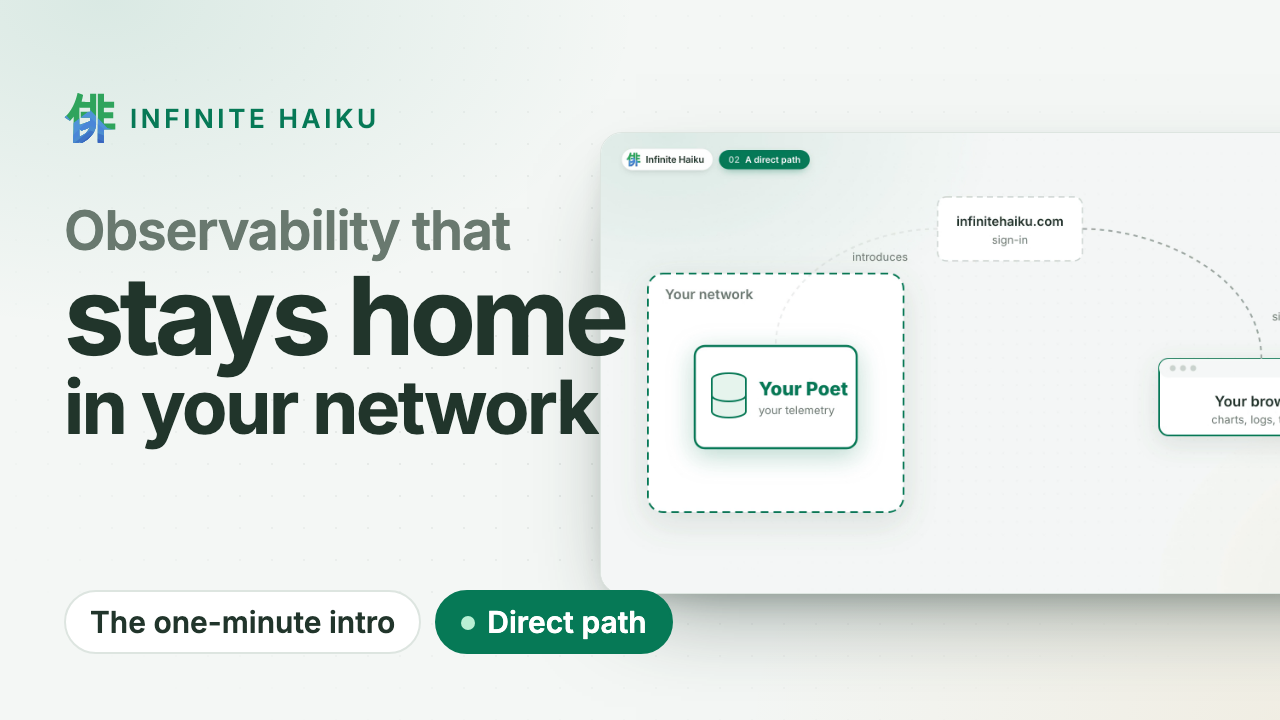
Helm only runs on your machine, once, to render the manifests. Your cluster gets plain YAML that your team can read, review and apply like any other.
1. Render
Take the values from Access › Clusters on our site (connect the cluster there first: it issues the token). Same flags as the Helm install, with helm template instead of helm install:
 umask 077; printf '%s' '<token>' > "$HOME/ih-token-prod-eu-1"
helm template infinite-haiku \
  oci://ghcr.io/infinitehaiku/charts/infinite-haiku --version <version> \
  -n infinite-haiku \
  --set-string organisation=<your organisation id> \
  --set-string poetClusterId=prod-eu-1 \
  --set-string clusterName=prod-eu-1 \
  --set-file shibuyaToken="$HOME/ih-token-prod-eu-1" > infinite-haiku.yaml
rm "$HOME/ih-token-prod-eu-1"
The token is inside infinite-haiku.yaml. Keep the file out of Git and delete it once applied. A chart value to use a Secret you create yourself (so the rendered file holds no token) is coming; until then, render for review with --set shibuyaToken=review in place of --set-file and render again with the real token to apply.
2. Review
What to look for (abridged; your rendered file is the reference):
kind: Secret                      # ih-client: the Shibuya token, plus two random values
metadata: { name: ih-client }     # generated at render (the Muse's intake token, the cluster credential)
---
kind: ClusterRole                 # <namespace>:infinite-haiku:ih-k8s-muse: read-only
rules:
  - apiGroups: ["", "apps"]
    resources: [pods, nodes, namespaces, events, deployments, statefulsets, replicasets]
    verbs: [get, list, watch]     # never secrets, never a write
  - apiGroups: [metrics.k8s.io]
    resources: [pods, nodes]
    verbs: [get, list]
  - apiGroups: [""]
    resources: [namespaces]
    resourceNames: [kube-system]
    verbs: [get]                  # your cluster's identity (its UID)
---
kind: StatefulSet                 # ih-poet: one pod, ih-poet-0
spec:
  replicas: 1
  template:
    spec:
      initContainers: [{ name: cluster-uid }]   # reads kube-system's UID
      containers:
        - name: poet              # image ghcr.io/infinitehaiku/poet@sha256:...
        - name: k8s-muse          # image ghcr.io/infinitehaiku/muse-k8s@sha256:...
      # every container: runAsNonRoot (uid 10001), readOnlyRootFilesystem,
      # allowPrivilegeEscalation: false, capabilities drop ALL
  volumeClaimTemplates: [{ metadata: { name: state } }]   # 10Gi, your default StorageClass
Also in the file: the ConfigMap ih-client-settings (your three settings), the ServiceAccount and ClusterRoleBinding, and the NetworkPolicies (no ingress; egress as in What you need). No Service, Ingress or LoadBalancer. Images are pinned by digest.
3. Apply and check
kubectl create namespace infinite-haiku && kubectl apply -n infinite-haiku -f infinite-haiku.yaml
kubectl -n infinite-haiku rollout status statefulset/ih-poet --timeout=300s
The cluster turns Connected in Access › Clusters as soon as the Poet starts.
Uninstall
kubectl delete -n infinite-haiku -f infinite-haiku.yaml && kubectl delete namespace infinite-haiku
Your data was only in your own volume, so that is all it takes to leave. During the pilot there is nothing to cancel; later, uninstalling and cancelling stay separate (leaving).
Deleted the file? Render it again with --set shibuyaToken=review in place of --set-file: the same objects, no real token.
Then revoke the cluster’s token in Access › Tokens.
Rendering again (for an upgrade) creates new random values in the Secret; applying them is harmless, the pod restarts once.