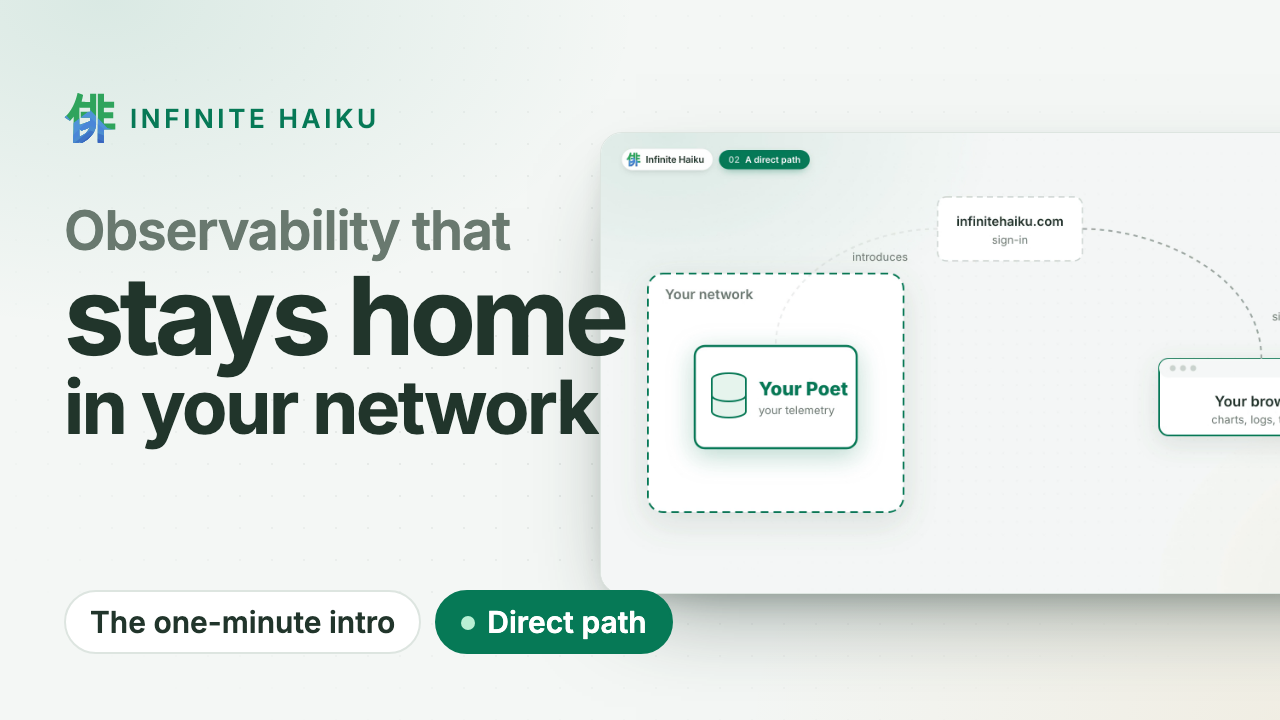
Claude Code reports its own cost, tokens, model calls and tool results over OpenTelemetry. Send them to your Poet and you see every session and every subagent beside the systems they work on.
1. Point Claude Code at your Poet
Add this to your user settings, ~/.claude/settings.json (or $CLAUDE_CONFIG_DIR/settings.json if you set that variable). A repository’s .claude/settings.json cannot set the exporter:
{
  "env": {
    "CLAUDE_CODE_ENABLE_TELEMETRY": "1",
    "OTEL_METRICS_EXPORTER": "otlp",
    "OTEL_LOGS_EXPORTER": "otlp",
    "OTEL_EXPORTER_OTLP_PROTOCOL": "http/protobuf",
    "OTEL_EXPORTER_OTLP_ENDPOINT": "http://127.0.0.1:4318",
    "OTEL_EXPORTER_OTLP_HEADERS": "Authorization=Bearer <intake token>"
  }
}
-
The endpoint is your Poet’s intake, and its port depends on how you installed it:
| Install | Endpoint | Intake token |
|---|
| Mac or Linux, install.sh | http://127.0.0.1:14318 | macOS: ~/Library/Application Support/InfiniteHaiku/secrets/intake.token; Linux: /etc/infinitehaiku/secrets/intake.token (root only) |
| NixOS module | http://127.0.0.1:4318 | the file you gave as intakeTokenFile |
From another machine, use the Poet’s HTTPS intake.
-
The token is your intake token. Write a plain space after Bearer: Claude Code sends the header as written, so %20 is refused.
-
The protocol must be http/protobuf. The Poet takes no gRPC.
On a Mac installed with install.sh, this sets the endpoint and the token in your settings without printing the token (quote the path: it has a space):
python3 - <<'EOF'
import json, os
p = os.path.join(os.environ.get("CLAUDE_CONFIG_DIR", os.path.expanduser("~/.claude")), "settings.json")
d = json.load(open(p)) if os.path.exists(p) else {}
tok = open(os.path.expanduser("~/Library/Application Support/InfiniteHaiku/secrets/intake.token")).read().strip()
d.setdefault("env", {}).update({
    "CLAUDE_CODE_ENABLE_TELEMETRY": "1", "OTEL_METRICS_EXPORTER": "otlp", "OTEL_LOGS_EXPORTER": "otlp",
    "OTEL_EXPORTER_OTLP_PROTOCOL": "http/protobuf", "OTEL_EXPORTER_OTLP_ENDPOINT": "http://127.0.0.1:14318",
    "OTEL_EXPORTER_OTLP_HEADERS": "Authorization=Bearer " + tok})
json.dump(d, open(p, "w"), indent=2)
print("updated", p)
EOF
Claude Code reads its settings when it starts: restart your sessions (in VS Code, reload the window).
To try it for one run first, set the same variables on the command line only:
CLAUDE_CODE_ENABLE_TELEMETRY=1 OTEL_METRICS_EXPORTER=otlp OTEL_LOGS_EXPORTER=otlp \
OTEL_EXPORTER_OTLP_PROTOCOL=http/protobuf OTEL_EXPORTER_OTLP_ENDPOINT=http://127.0.0.1:4318 \
OTEL_EXPORTER_OTLP_HEADERS="Authorization=Bearer $(cat ~/.config/ih/intake-token)" \
claude -p "say hello"
2. See your subscription quota
On a claude.ai Pro or Max plan you pay a fixed price against a quota: a 5-hour and a 7-day share. Claude Code’s telemetry does not carry it; its status line does. ih-mcp (from Connect your AI agent) has a status-line command that shows the quota and sends it to your Poet. Add to ~/.claude/settings.json:
{
  "statusLine": {
    "type": "command",
    "command": "ih-mcp statusline"
  }
}
- It sends to the same endpoint and token as the
env block above (OTEL_EXPORTER_OTLP_ENDPOINT, OTEL_EXPORTER_OTLP_HEADERS), or reads the token from ~/.config/ih/intake-token.
- The line shows the model, the context used and each window, for example
Opus 5.5 · ctx 8% · 5h 41% (resets in 2h10m) · 7d 12% (resets in 4d15h).
- Already have a status line? Keep it:
"command": "ih-mcp statusline --then '<your command>'" runs yours with the same input and shows its output.
- It sends at most once a minute per window, in the background with a short timeout. It never slows the line or prints an error into it.
Claude Code gives the quota only on a subscription, after the session’s first answer, and only where it draws a status line: in the terminal. Sessions in the VS Code extension send usage and cost but no quota. With an API key there is none, and this block stays hidden.
3. What stays private
- Prompts are not sent. Claude Code replaces the prompt text with
<REDACTED> unless you set OTEL_LOG_USER_PROMPTS=1. Leave it unset.
- Claude Code does attach your account’s user id and email to every record. They stay on your Poet, like all your data.
4. What you see
Under Dashboards, the source claude-code opens its AI coding agents dashboard.
Subscription quota: the 5-hour and 7-day share used, the time to each reset, and the spending rate in percentage points per hour, from how the share rose over the window. At that rate it also shows when the share would reach 100 %, and the share at the reset (under 100 %: the window resets first). These are observations of your own pace, not limits.
Usage and API-equivalent cost: sessions, tokens and active time; tokens by model and by token type; the cost by model, by subagent type and by session; lines of code; and the latest events (model calls, tool results, API errors).
Tokens are Claude Code’s own counts per model call; in our runs the totals per session matched Claude Code’s own report to the last token. The cost is Claude Code’s estimate at API prices. On a subscription it is not your bill: it tells you which work is heavy, and the quota tells you how fast you spend what you pay for.
Your AI agent can ask too. Through ih-mcp, ask “how fast is my quota going, and which sessions and models burn it?”: per quarter hour, the points the quota rose beside each session’s and model’s tokens. Or ask “which session or agent cost most yesterday, on what model and which tools?”. It answers with one row per session and agent: who started it, its models, model calls, cost, tokens, tools, tool failures and tool time.
Connect your AI agent